Getting Started
This guide explains how to set up the Q-agent workspace locally.
Fast path: the Docker image bundles LEAN CLI, the infrastructure pipelines, and marimo into one container. If you don't need local
lean backtest(host-only — see Docker page) and prefer not to manage host venvs, run:The host setup below is required only if you want to run
lean backtestlocally or develop without containers.
Prerequisites
Install the following:
- Python 3.11+
- Git
- Docker Desktop
- QuantConnect account
Clone the Repository
Create a Virtual Environment
If your system exposes Python 3.11 as python or python3, use that command instead.
Install LEAN CLI
Configure QuantConnect
Verify Installation
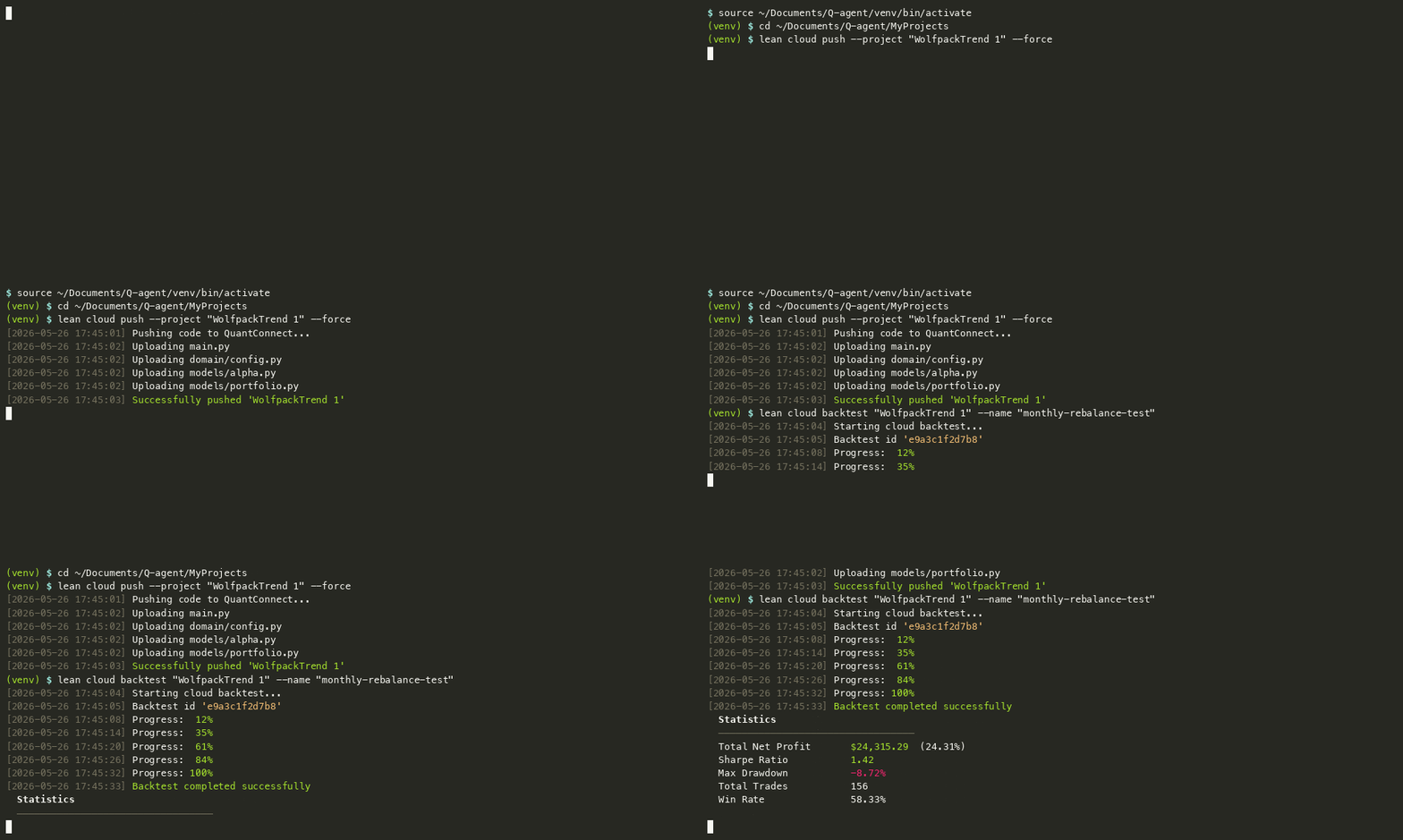
Recommended Workflow
- Keep strategy logic modular
- Use notebooks for research and diagnostics
- Keep reusable code in domain modules
- Avoid committing local data
- Use feature branches for experimental work